Make falling-notes piano videos in minutes.
Open a MIDI or MusicXML file, style it however you like, and record it as a video. It runs in your browser, it is free, and there is nothing to install.
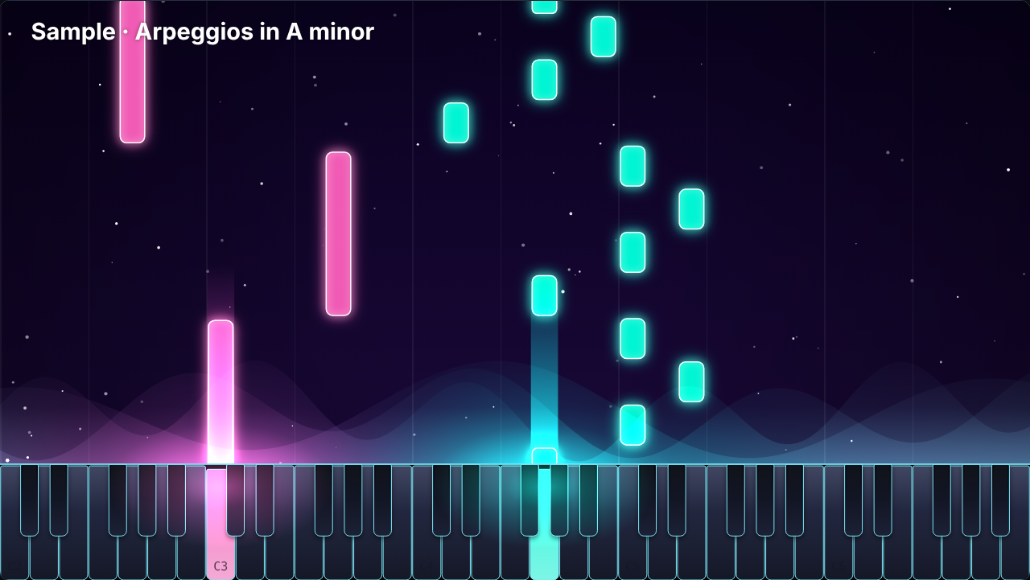
Everything is adjustable
MIDI and MusicXML
Drop in .mid, .midi, .xml, .musicxml or compressed .mxl files. Each track gets its own color you can show or hide.
Colors that move
Solid colors, gradients, moving gradients, rainbow fades, and your own pictures or videos on the notes, keys and background.
Note names
Show letter names on the keys and on the falling notes, with your choice of naming style.
Glow, smoke and sparks
Change the light where notes meet the keys: glow, aurora, smoke, fire, beams, ripples and particles in many shapes.
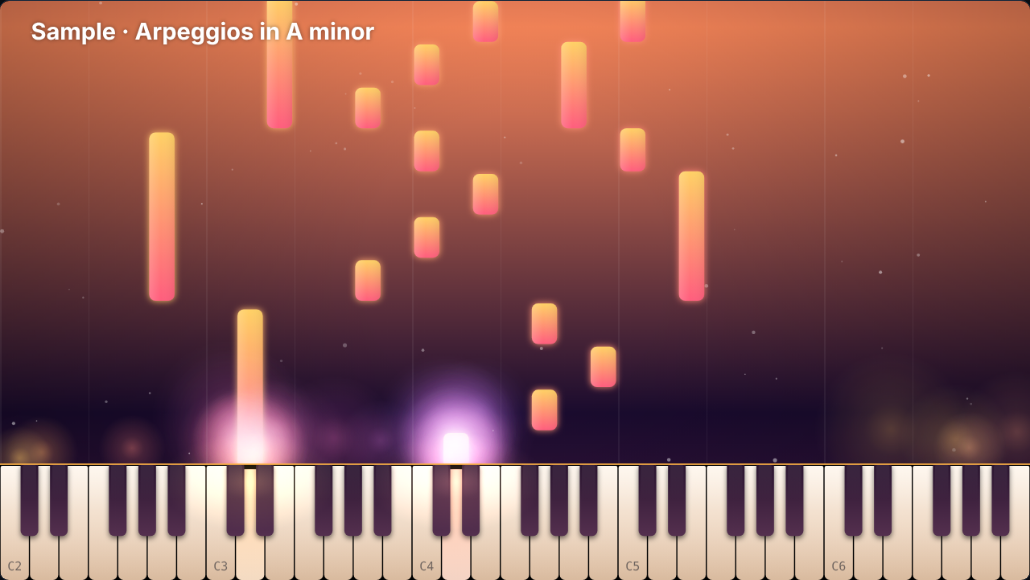
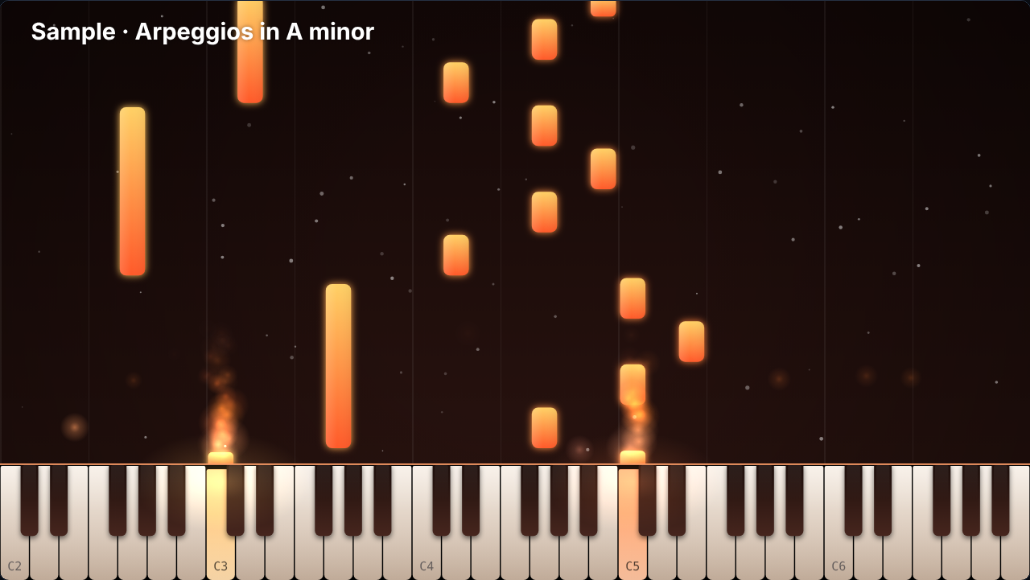
Presets and your own looks
Start from nine ready-made looks, tweak anything, and save your own to reuse later.
Real piano sound
A sampled grand piano by default, plus soft and bright pianos, electric piano, harp, music box, organ and synth.
Hands BETA
Optional hands show which fingers could play each note, using a fingering search that avoids crossed fingers. Too-difficult pieces switch it off.
Your title
Add a song title and subtitle on the video, with fonts, size, position and color.
Record and share
Record at 720p or 1080p, 30 or 60 fps, in any aspect ratio. Save it, or send it to YouTube if you connect your own account.
A few looks
How it works
- Open a file. Drop a MIDI or MusicXML file on the preview, or try the built-in sample.
- Style it. Pick a preset, then change colors, effects, keys, background, sound and title.
- Record. Press Record video. The piece plays once in real time and is saved as a video file.
Questions
Is it really free?
Yes. There is no account, no watermark and no limit on videos.
Do my files get uploaded?
No. Everything happens in your browser. The only exception is the optional YouTube upload, which sends your finished video to your own channel.
Why does recording take as long as the song?
The video is captured while the piece plays, so a 3-minute piece takes 3 minutes. Keep the tab in front while it records.
What video format do I get?
WebM in Chrome, Edge and Firefox, and MP4 where the browser supports it. Both upload to YouTube and most video editors.
Why are the hands marked beta?
They are a new feature. The fingering follows common piano rules, but it is a guide, not a teacher's edition, and the hand drawing is still being improved.
Which browsers work?
A recent Chrome, Edge or Firefox on a computer works best. Recording is not reliable on phones.